Using Themes to Make Your Polls Stand Out
Setting the right tone makes scheduling fun! A theme transforms a plain scheduling request into an inviting, branded event experience. Whether you're organizing a casual dinner party, a movie night, a corporate team sync, or a holiday gathering, adding a theme delights your guests and boosts response rates. Best of all, all 100+ themes are completely free!
Why Use Themes?
- Boost Guest Engagement: Visually appealing invitations capture attention and encourage guests to vote faster.
- Cohesive Web & Email Design: Both your public poll page and automated email invitations carry your selected theme seamlessly.
- 100% Free: Access our entire library of over 100 custom-crafted background themes without any hidden costs or subscriptions.
How a Themed Poll Looks
Whether you share your poll via a shareable link or an email invitation, your guests will see your chosen theme framing the poll, setting the mood for your event from the moment they land on the page:
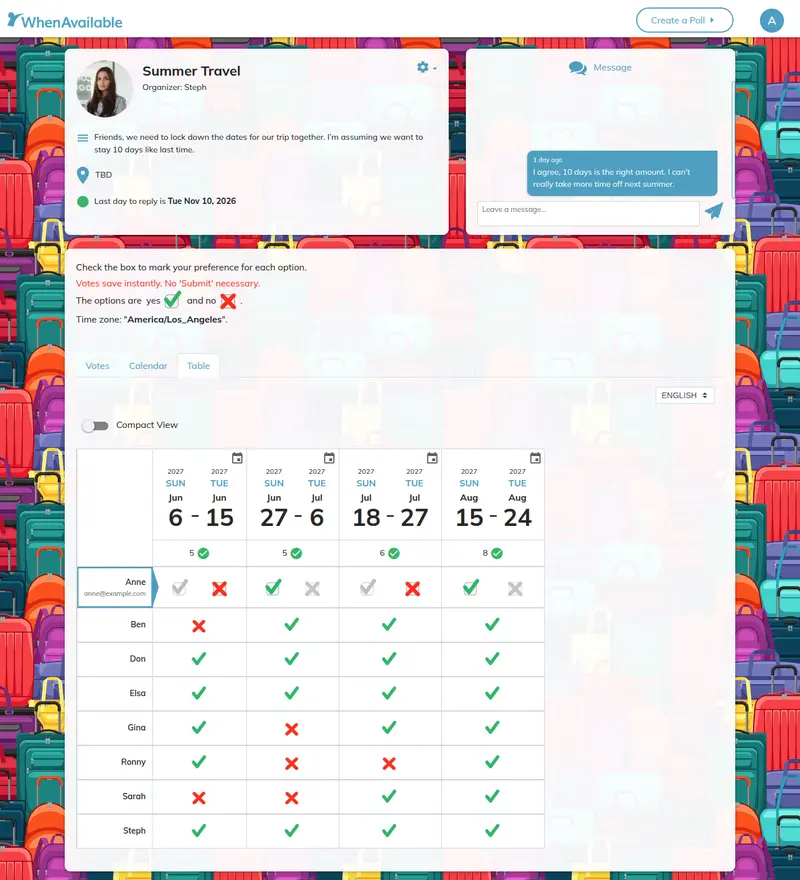
Example of a poll styled with a custom background theme.
Themed Email Invitations
If you choose to send email invitations directly through WhenAvailable, your selected theme extends to the email template as well. Compare a plain invitation email with a custom-themed invitation below:
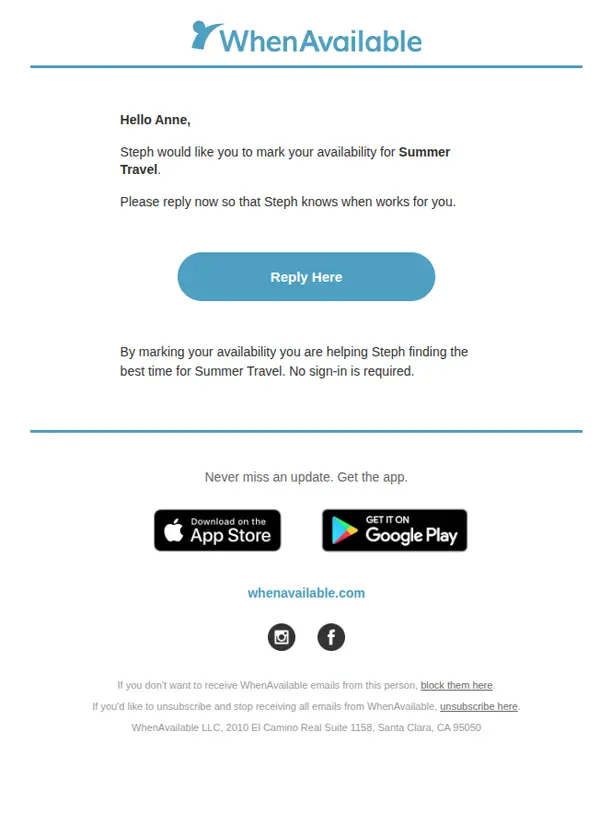
Clean and functional, but lacks visual personality.
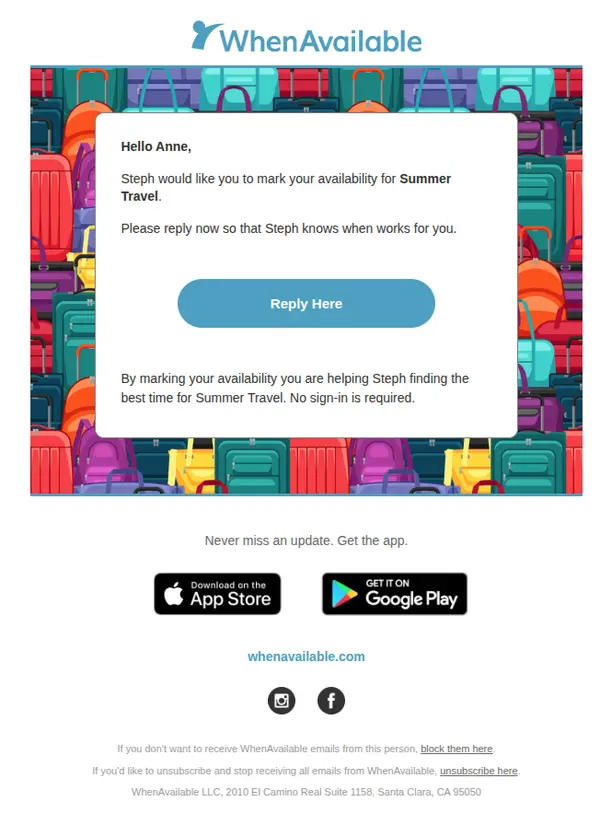
Festive background colors.
Examples of Popular Themes in Action
🎬 Movie & Entertainment Theme
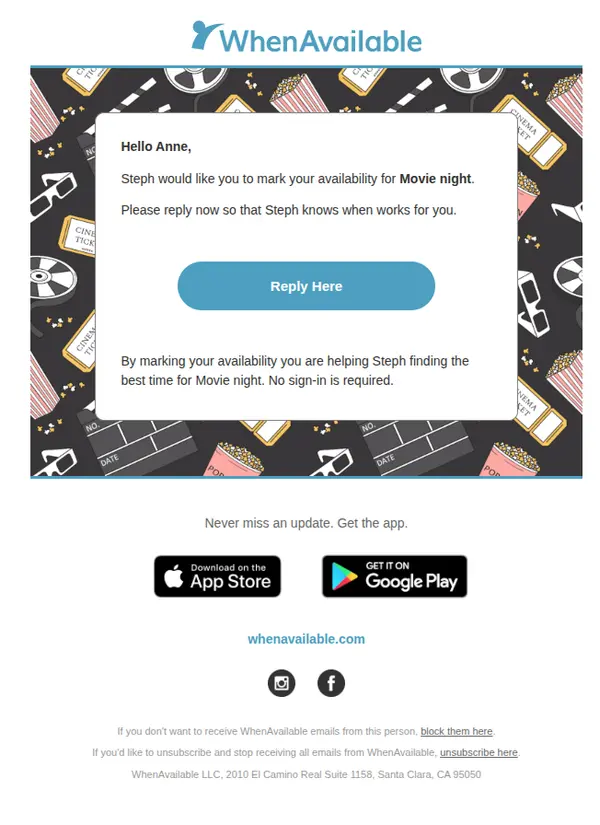
Perfect for watch parties, film clubs, and cinema outings with friends.
🍦 Summer & Social Theme
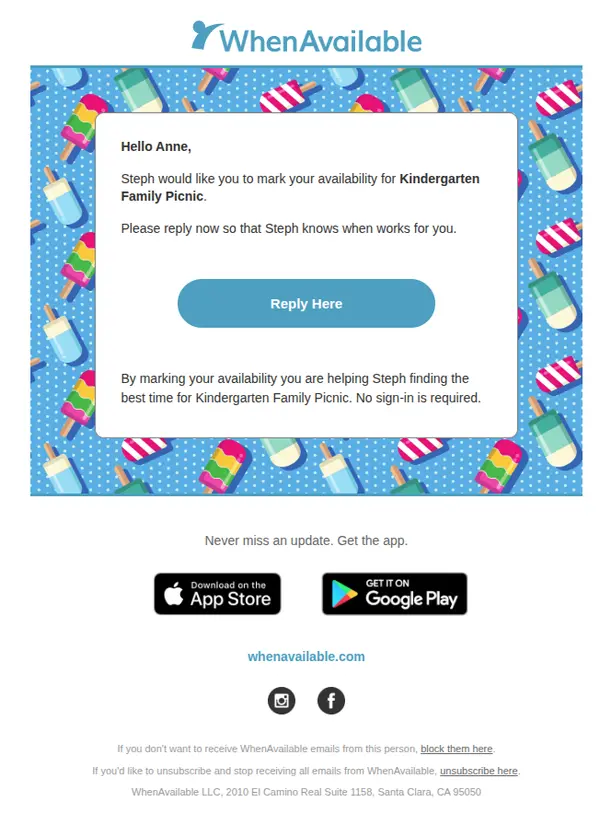
Bright, playful background for summer BBQs, ice cream socials, and outdoor events.
📊 Budget Planning Theme
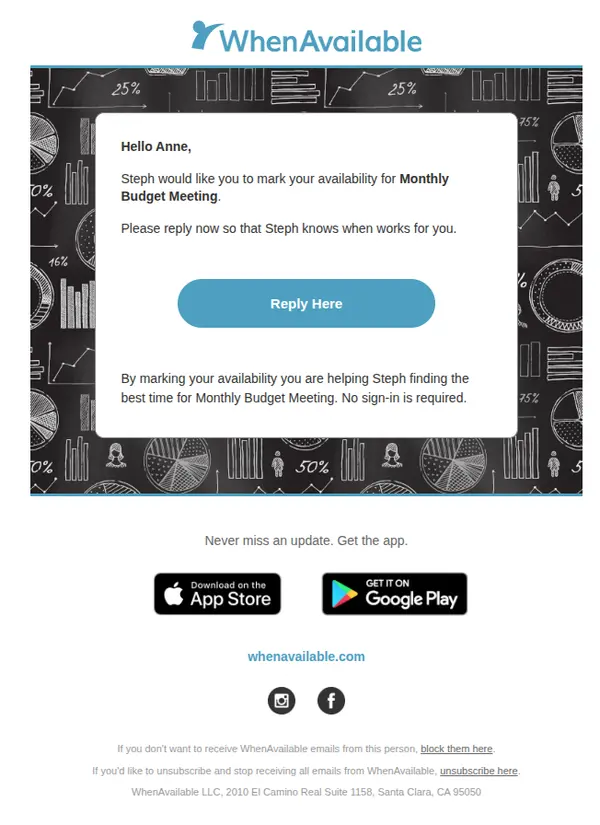
Professional look tailored for quarterly budget reviews, financial planning, and business team syncs.
🧪 Science Department Meeting Theme
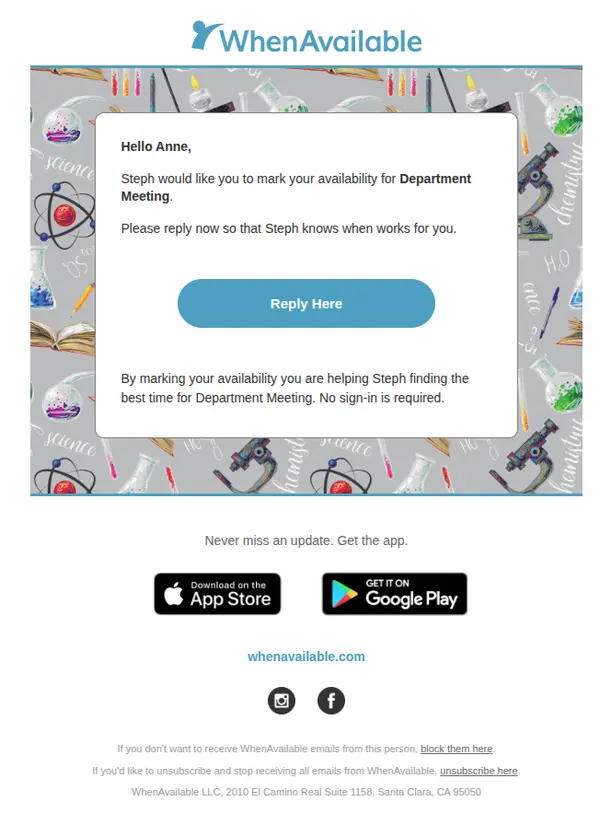
Ideal for lab meetings, science department syncs, research presentations, and academic scheduling.
Step-by-Step Guide: How to Apply a Theme
- Choose Your Theme: Select a theme directly on the page when creating your poll (Step 3: Customize), or anytime after your poll has been created from your poll settings. You can change or update your theme at any time.
- Search or Browse Themes: Use the built-in search bar on the theme section to quickly find specific topics like "Coffee", "Birthday", "Budget", or "Movie".
- Preview & Save: Click any theme thumbnail to see an instant preview on your poll. Once saved, your poll and all subsequent email invitations sent to guests will automatically reflect the selected theme!
🎨 Explore Our Selection: Browse all 100+ free themes anytime in our interactive Theme Explorer!